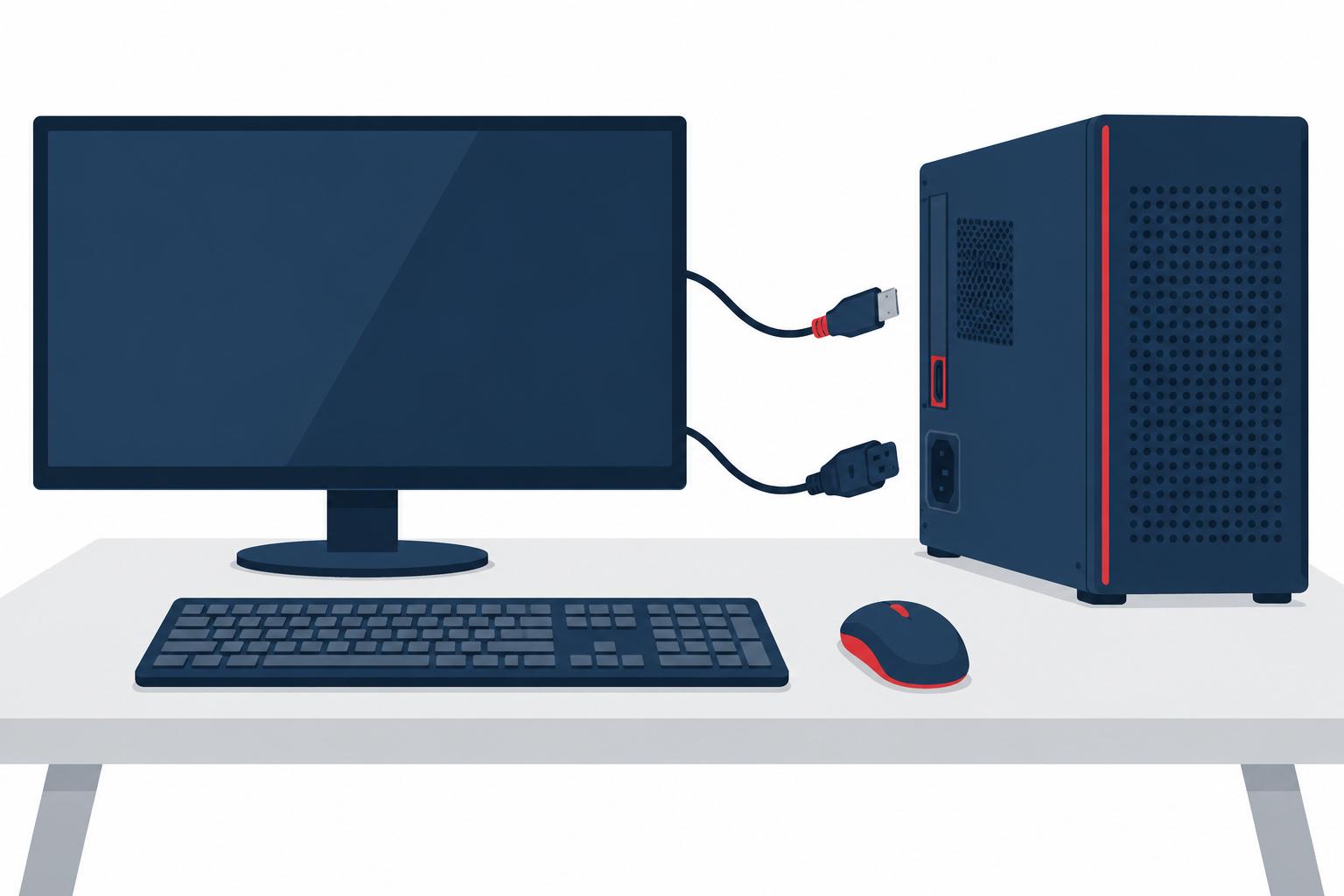
Computer Setup
Setting up a computer can seem like a daunting task, but it doesn't have to be. With a few simple steps, you can be
up and running in no time.
What You’ll Need
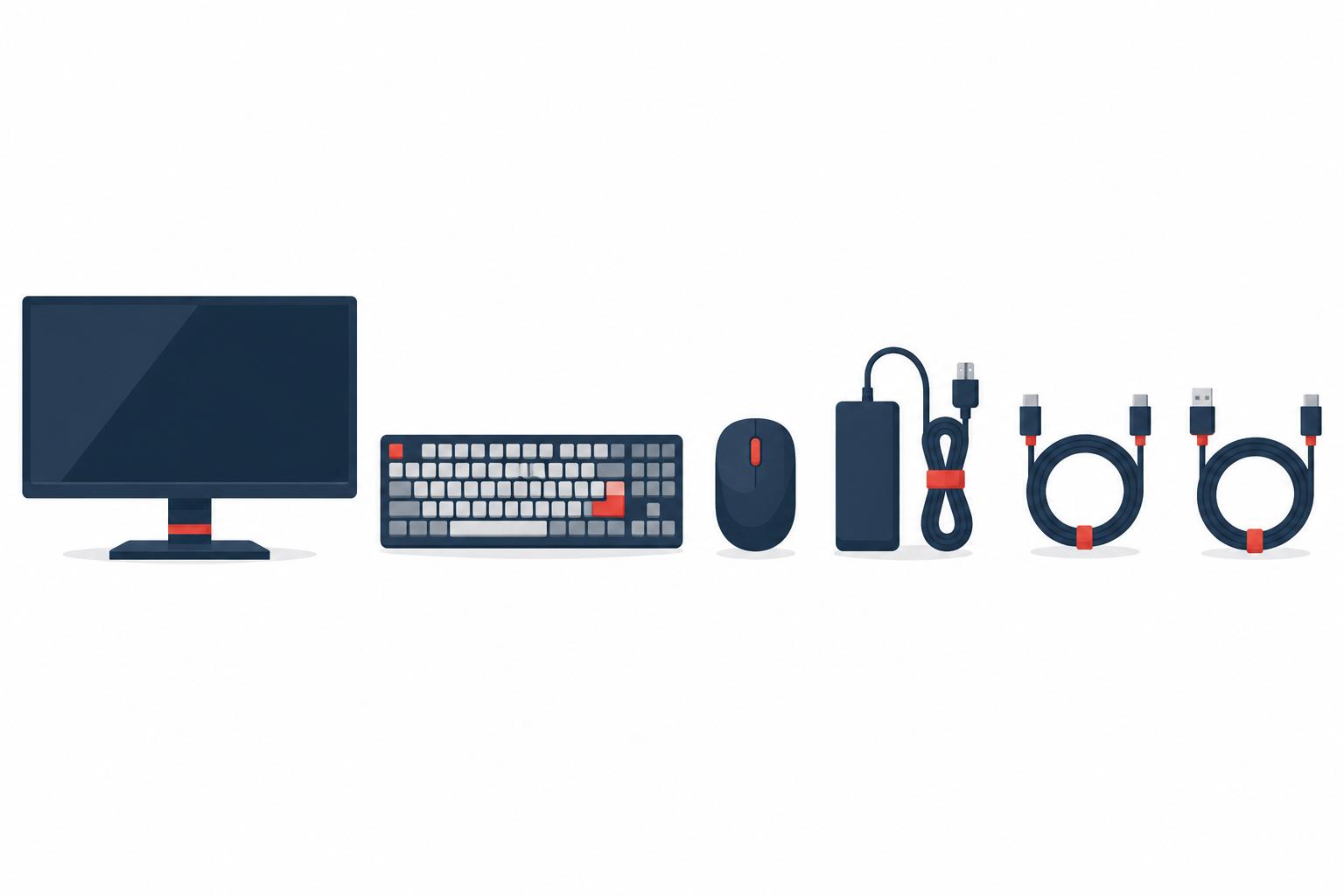
First, you'll need to gather the necessary materials. You'll need a computer, of course, as well as a monitor,
keyboard, and mouse. You'll also need all the necessary cables to connect these devices to each other and to your
power outlet.
Next, you'll need to find a suitable location for your computer. It should be in a well-ventilated area to prevent
your computer from overheating. You'll also want to make sure there's plenty of room for your monitor, keyboard,
and mouse.
Setting It Up
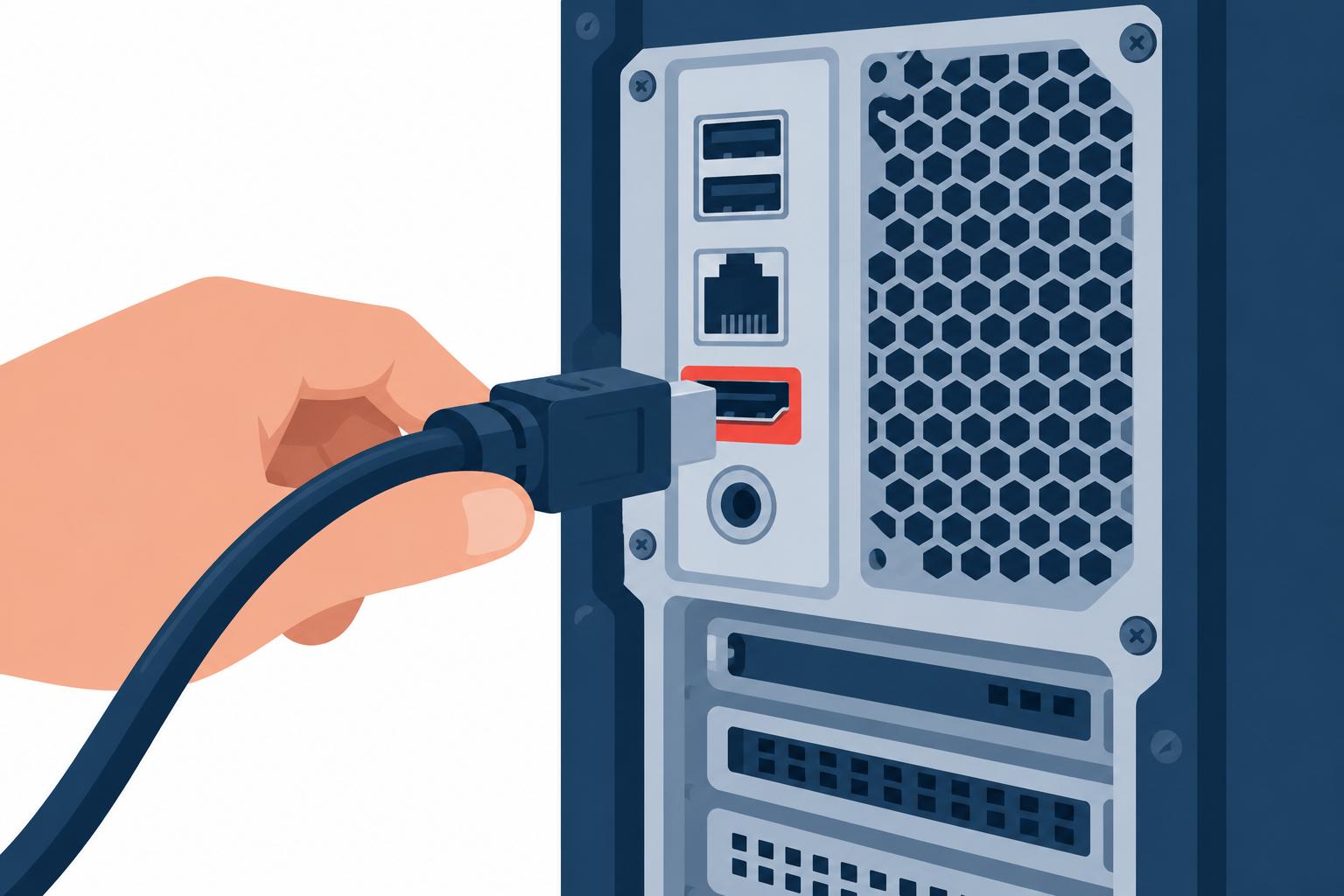
Once you have all of your materials and have found a suitable location, it's time to start setting up your computer.
Begin by connecting your monitor to your computer using the appropriate cable. Next, connect your keyboard and
mouse. Finally, plug your computer into a power outlet.
Once your computer is plugged in, turn it on and wait for it to boot up. After a few minutes, you should see your
computer's desktop appear on your monitor. From here, you can begin customizing your settings and installing any
programs you need.
With just a few simple steps, you can have your computer up and running in no time.
Additional Tips
- If you're having trouble connecting any of your devices, consult your computer's manual for more detailed
instructions.
- If you're installing any software, be sure to read the instructions carefully. Otherwise, you may run into
problems later on.
- Once everything is up and running, take some time to familiarize yourself with your computer's operating
system. This will help you troubleshoot any problems that may arise in the future.
Now that you know the basics of setting up a computer, you're ready to start using it for all your needs. Whether
you're working, playing games, or just browsing the web, your new computer will be a valuable tool.
STOP!! Create Your Backup First
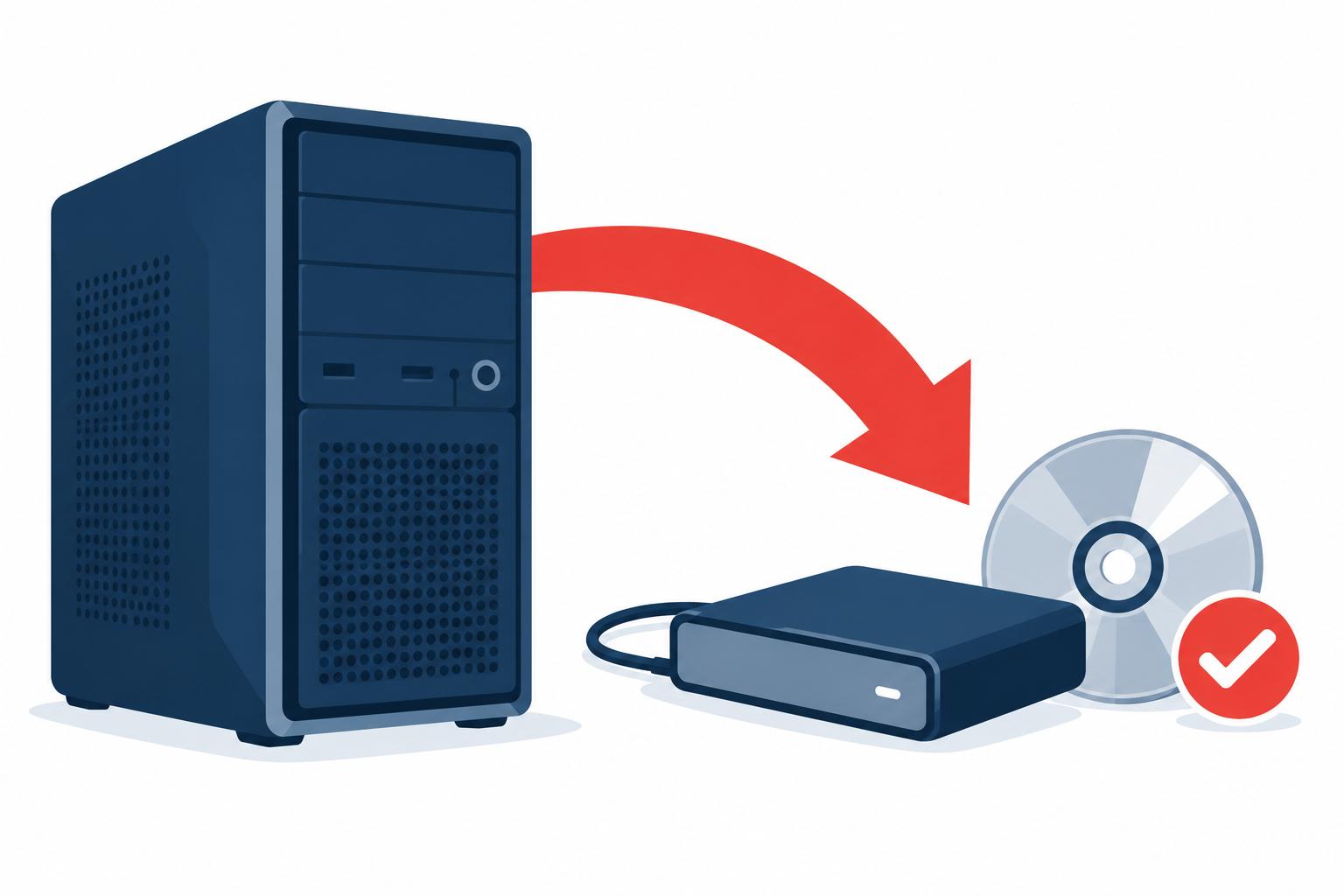
This is the moment you create your system backup. Take the time to discover what the process is for the specific
model you own from the manufacturer. If needed, call them to confirm the method. A few popular methods are:
- They provided a recovery CD or some other media.
- They loaded the backup onto the physical hard drive included in the computer.
- The software to generate the media in step 1 is included on this machine.
- There is no backup and this is the time you make your own.
Make sure you know which one is the one for your computer and know how to use it and validate it works. The last
thing you want to do is discover you can't use it when you really need it to.
Desert Computer Agents knows how to handle all these situations, if you don't have a
backup method and you need a hand, we can create one for you! Need assistance with your Computer Setup, we're here
to help! Just give us a call @
(760) 760-4096.
Here is a friendly YouTube video guide to help you on your way! Credit to: GCFLearnFree.org
Related Pages
Data recovery •
Computer support •
Computer repair •
Computer services